 Rougether Rougether
 A routine and to-do app where you grow with your character and friends, all in one house.
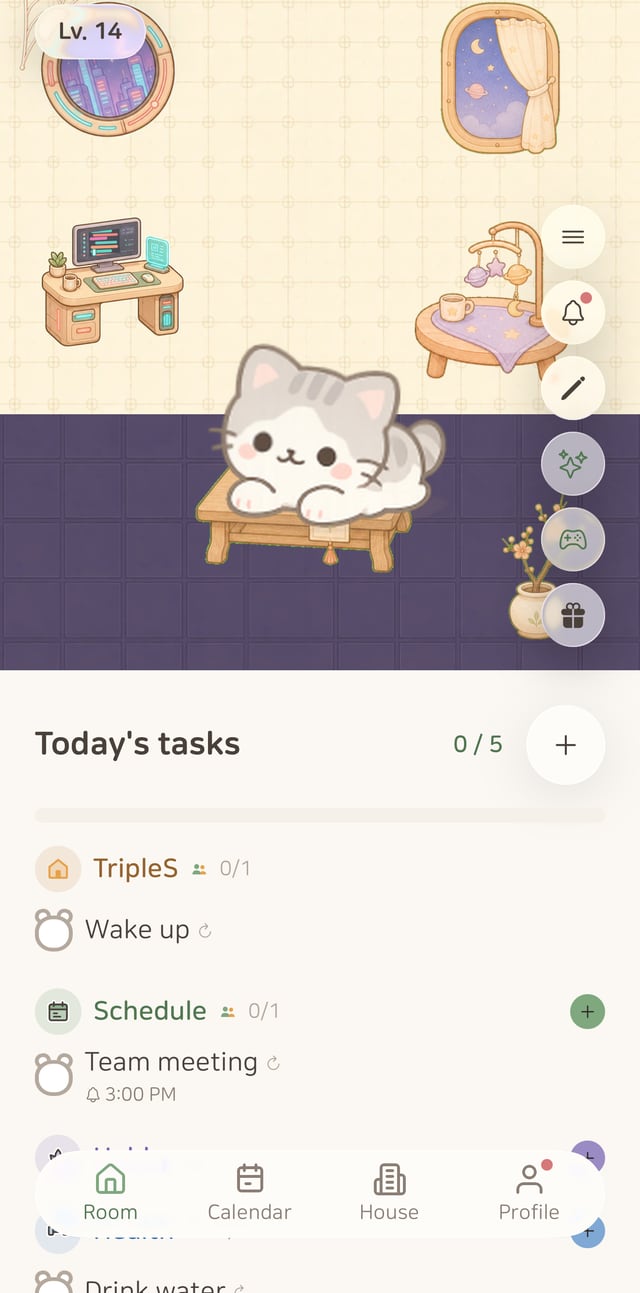
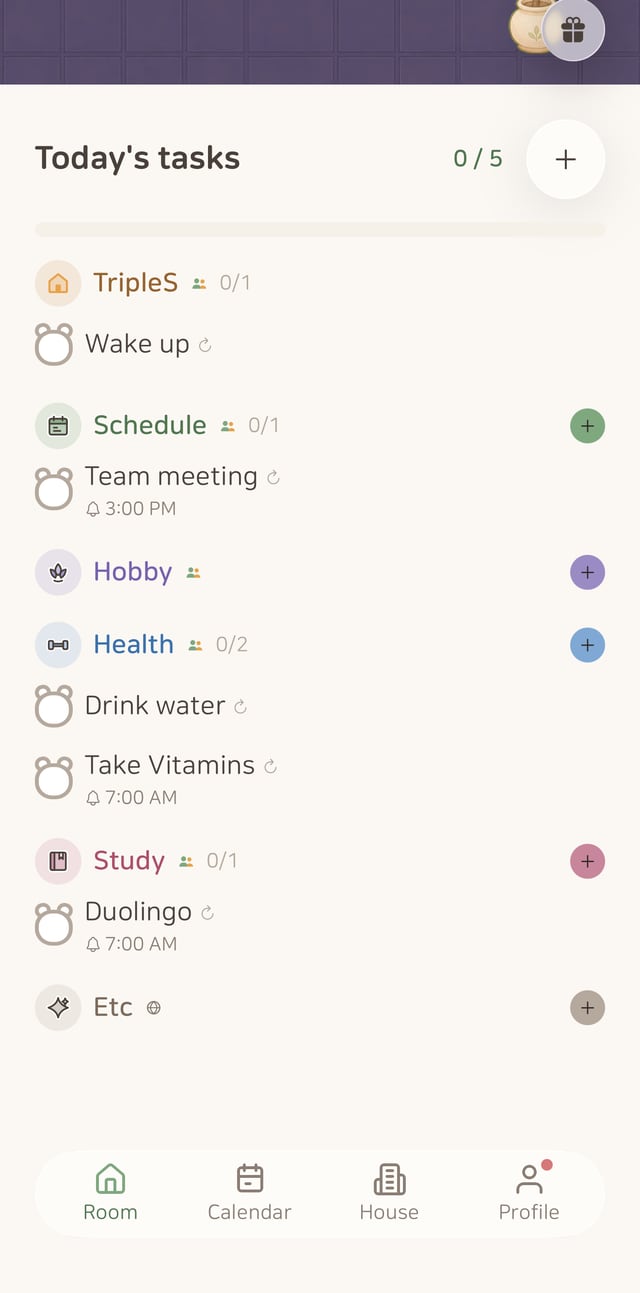
Group them by category, like study or health, and see how many you’ve done today at a glance
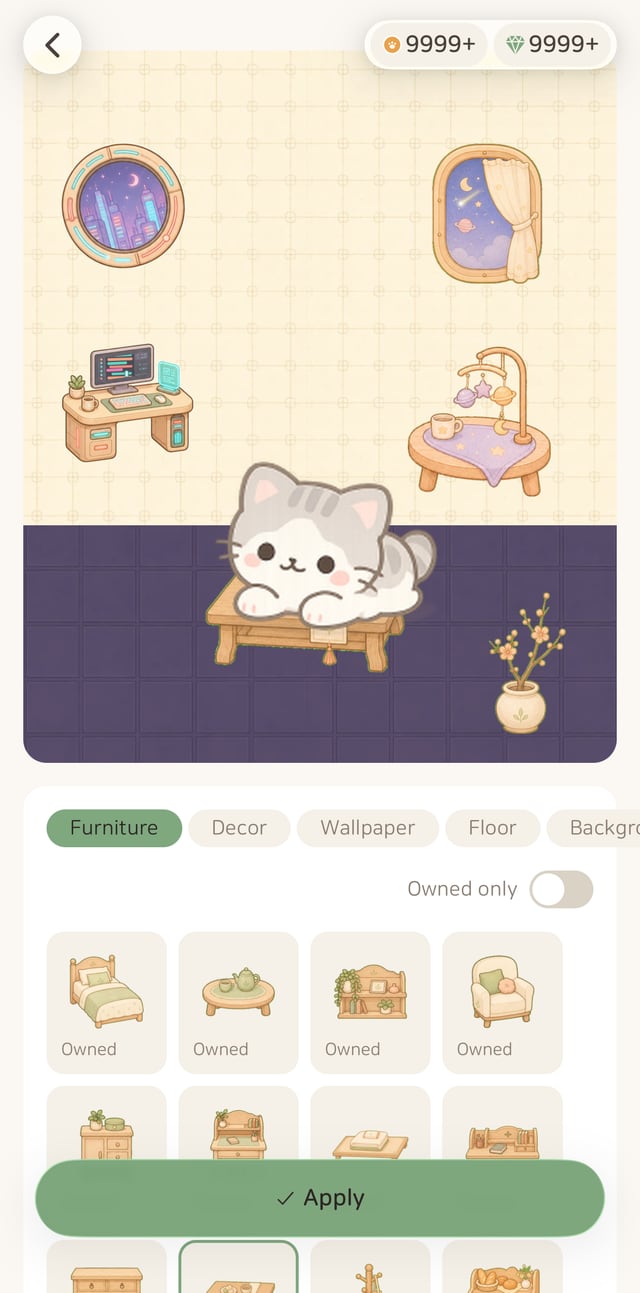
Spend the coins from your check-ins on furniture, décor, wallpaper and floors
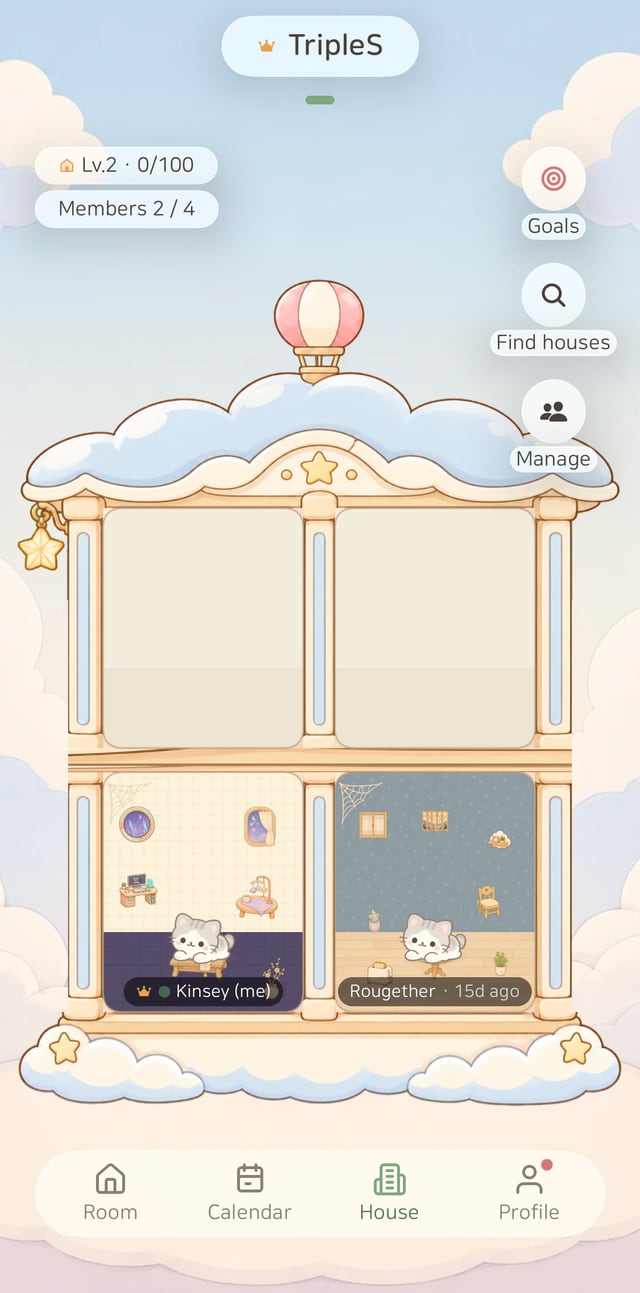
Friends join with an invite code — the routines you keep together level up the house
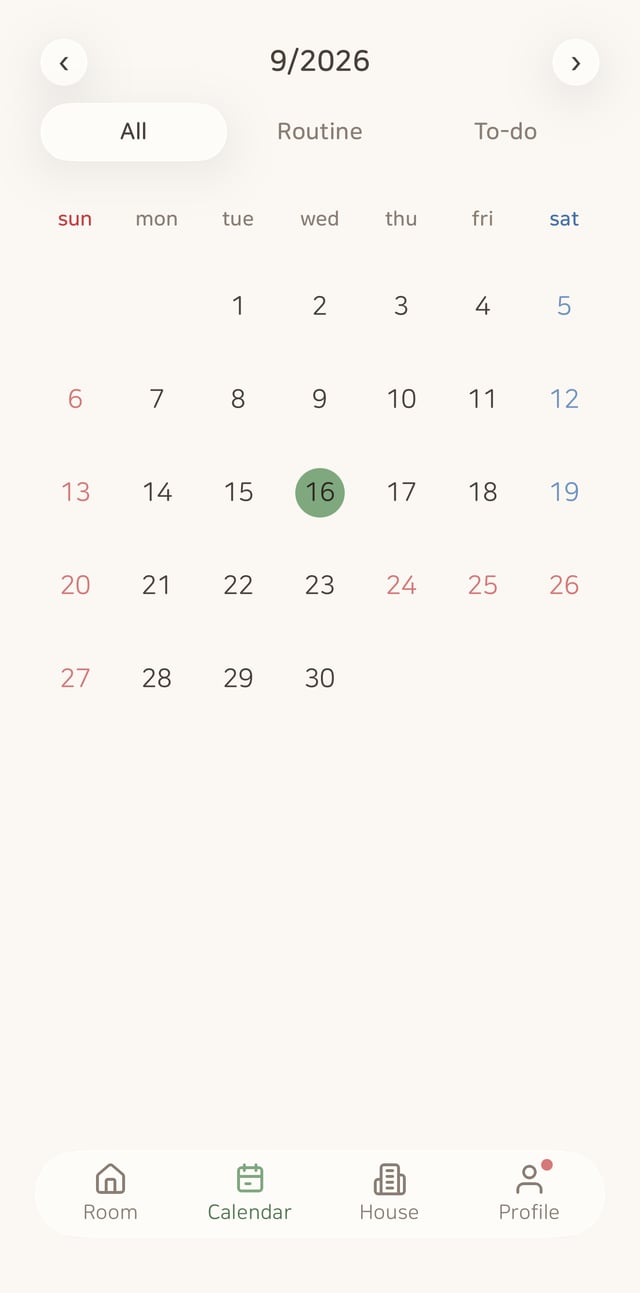
Days you get things done are circled on the calendar, and you can filter by routines or to-dos
ALSO ON THE WEB
app.rougether.com
A routine and habit tracker where you grow together with your character and your friends in one house. Every routine you keep earns rewards to decorate your room, and the house you share with friends grows too. Available on iPhone, Android and the web.
Yes, it’s free to start. Coins you earn by keeping routines let you decorate your room.
The app itself is currently available in Korean only. This page is in English so you can see what Rougether is.
Yes, both. iPhone users get it on the App Store, Android users on Google Play. Sign in with the same account and your room and to-dos carry over between devices.
Yes. Open app.rougether.com in your browser and sign in with the same account — your room and to-dos are right there. If you use it often, your browser’s install (Add to Home Screen) feature keeps it like an app.
Create a house and share its invite code, and friends can join the same house — iPhone and Android friends can share one house. Visiting rooms, sending cheers and shared missions help the house grow together. You can be in more than one house.
Every completion adds coins and streaks. Spend the rewards to decorate your room, or draw characters and furniture from the gacha.
Use Settings → Report a bug in the app, or email triples.rougether@gmail.com.
You read them all — thank you!
Keep your routines and your room grows — start together with friends in one house.